The IPTV player your TV deserves.
MaggieTV plays the IPTV subscription you already have. Add an Xtream Codes login, an M3U link or a Stalker portal, and watch live TV with the full guide, films and series on your Android TV, phone or tablet.
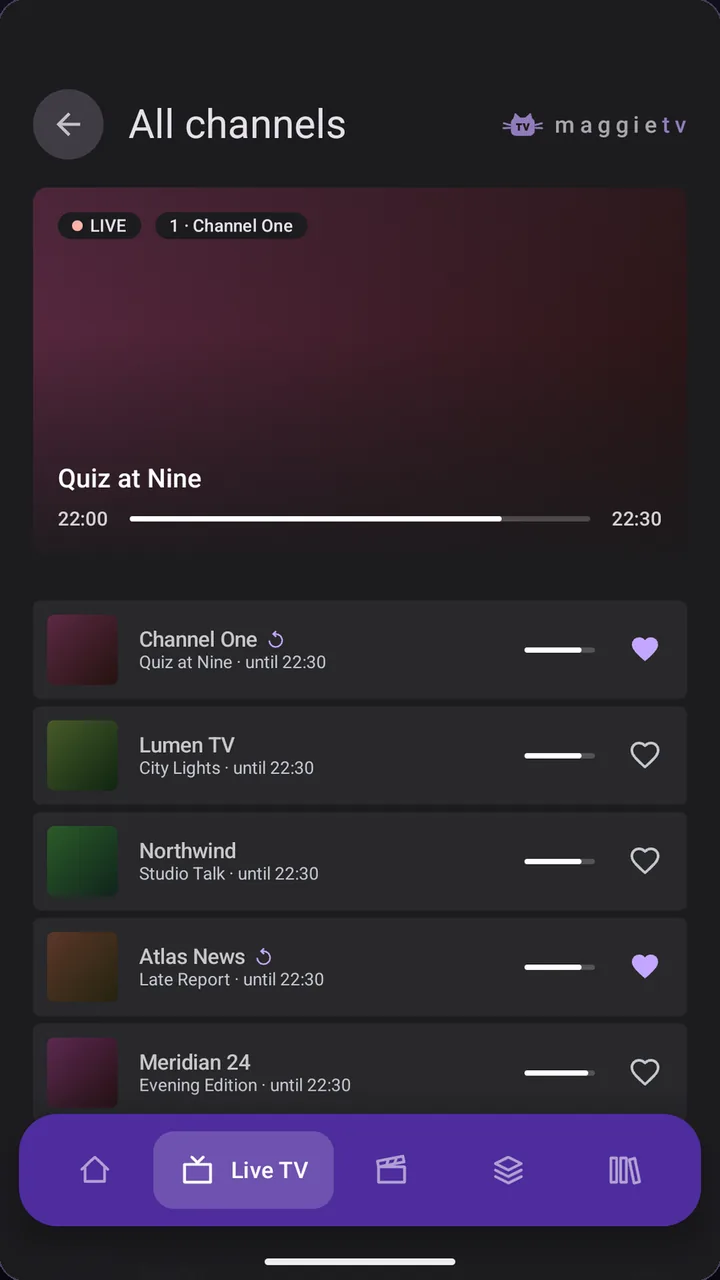
Works with
- Xtream Codes
- M3U playlists
- Stalker portals
- XMLTV guides
- Android TV
- Google TV
- NVIDIA SHIELD
- Chromecast
Made for the remote. Just as easy on touch.
MaggieTV was designed for the sofa first. Every screen works with the D-pad, the guide is a real grid, and nothing gets between you and the picture. On phones and tablets, the same app fits your thumb.
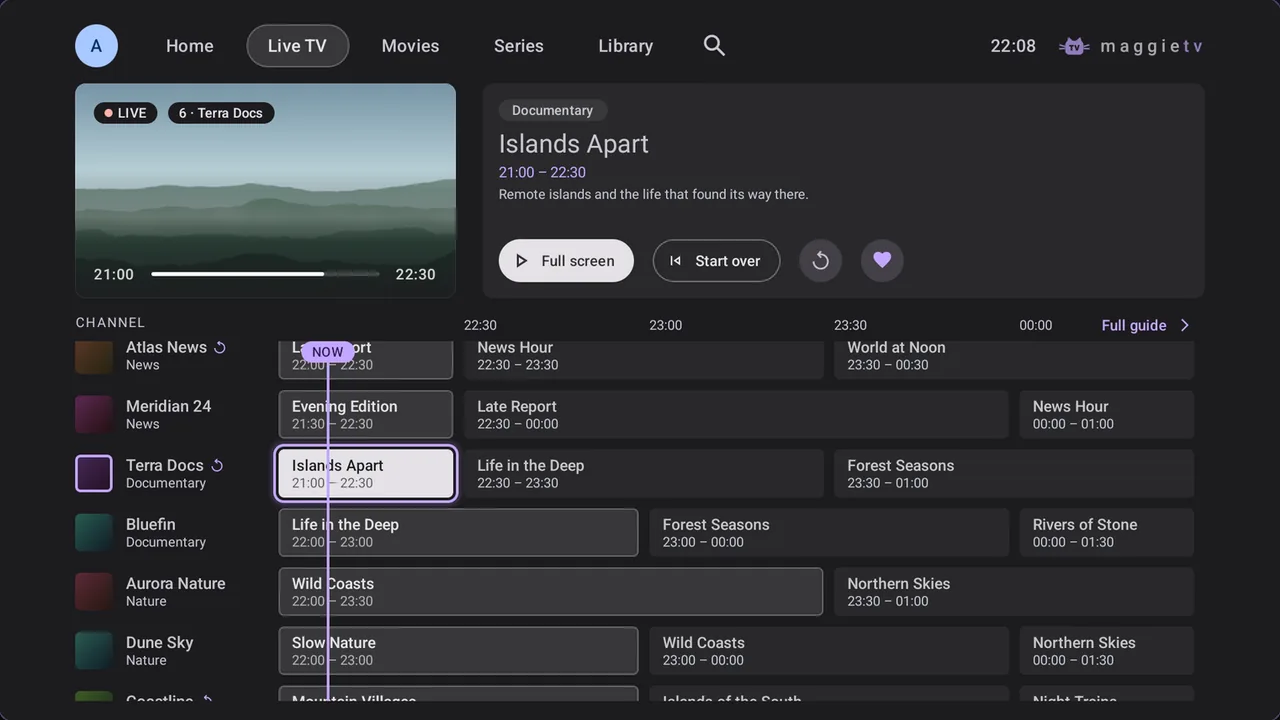
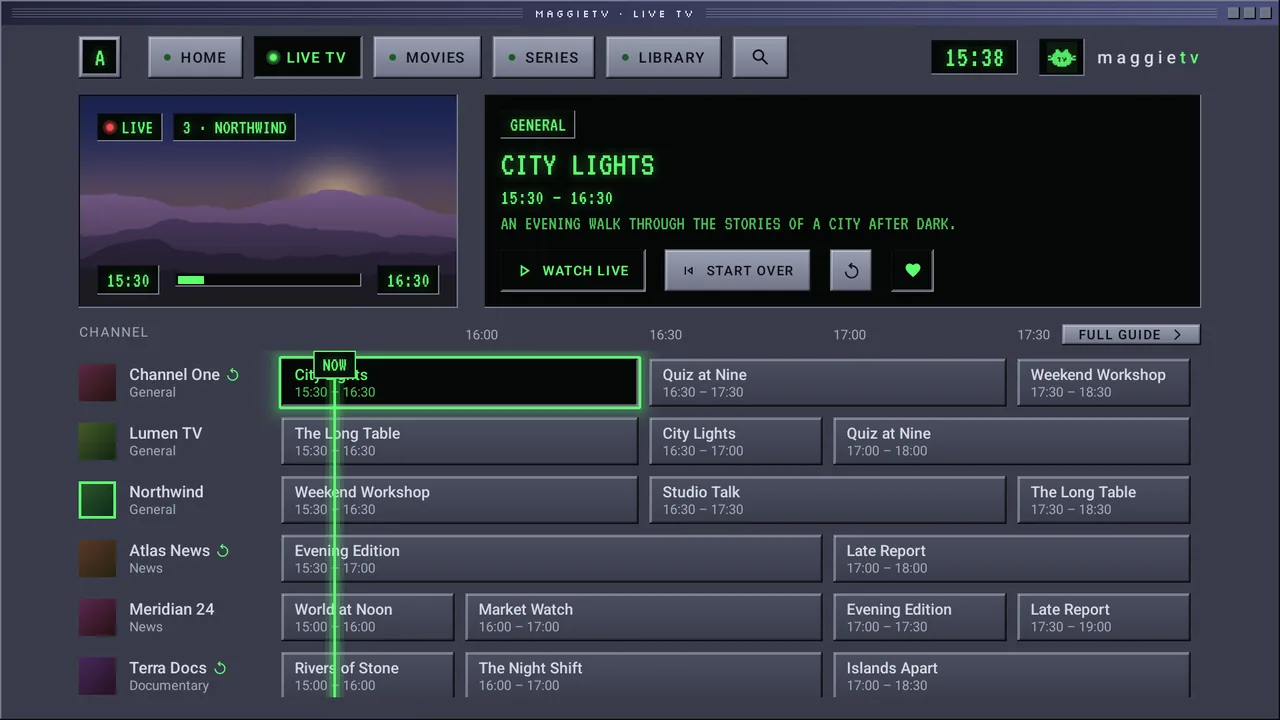
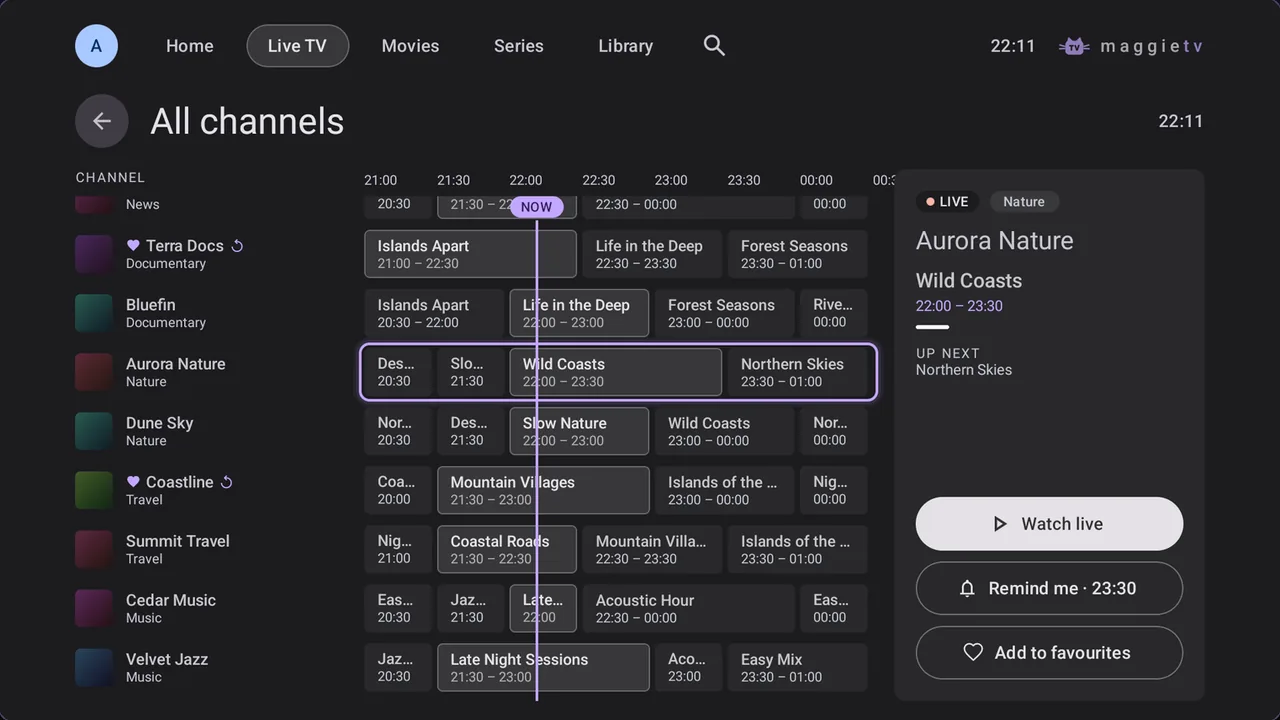
Live TV with the full guide
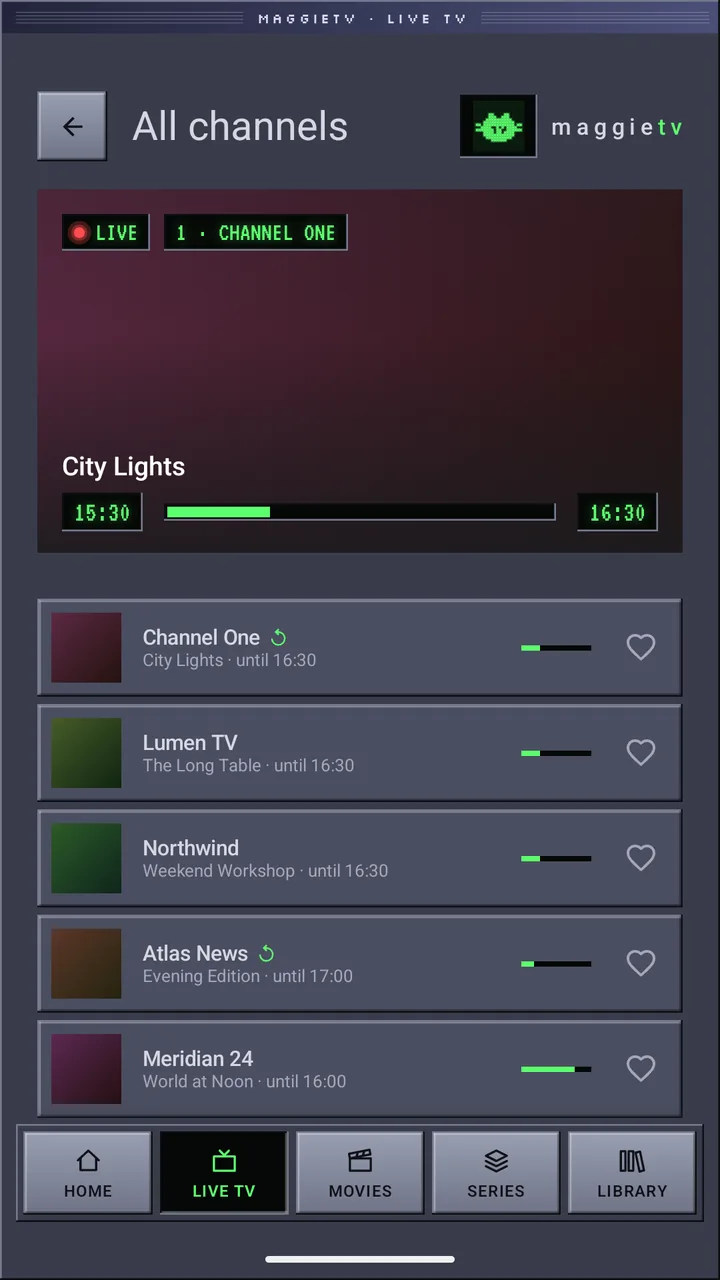
Browse a real programme guide while the channel keeps playing in the preview. Favourites, channel numbers and last-channel recall are all there.
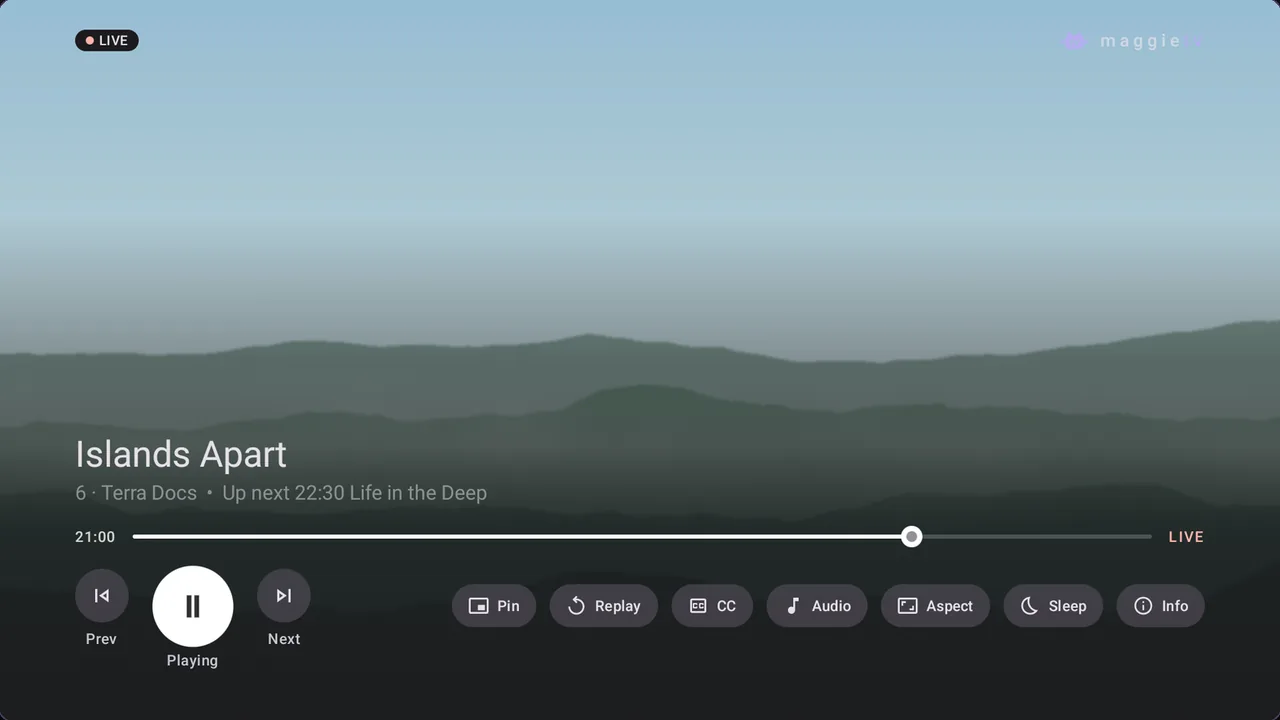
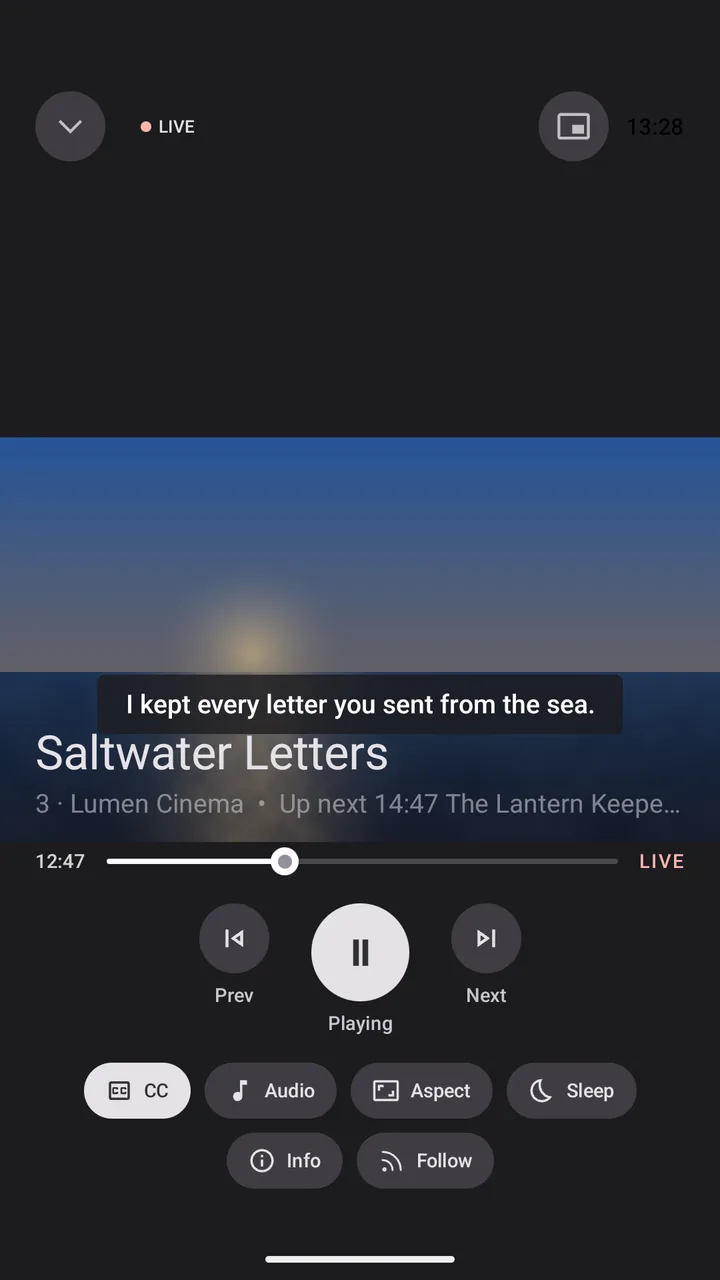
A player that stays out of the way
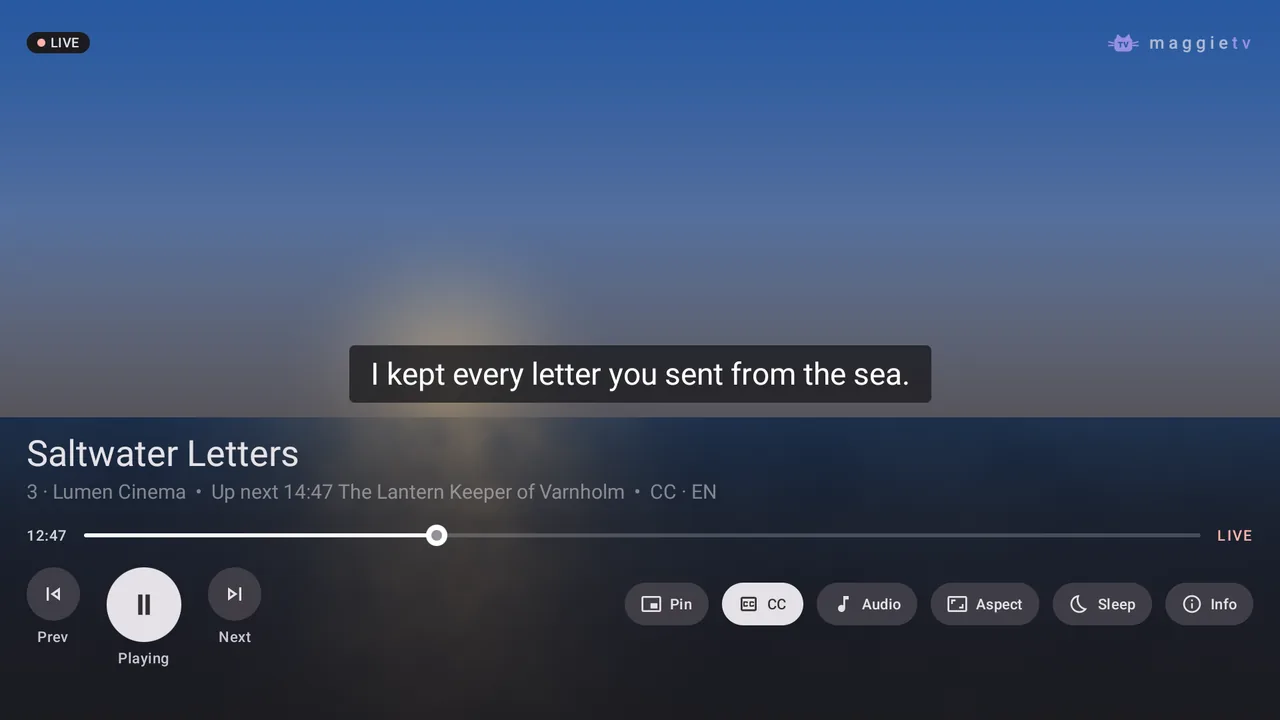
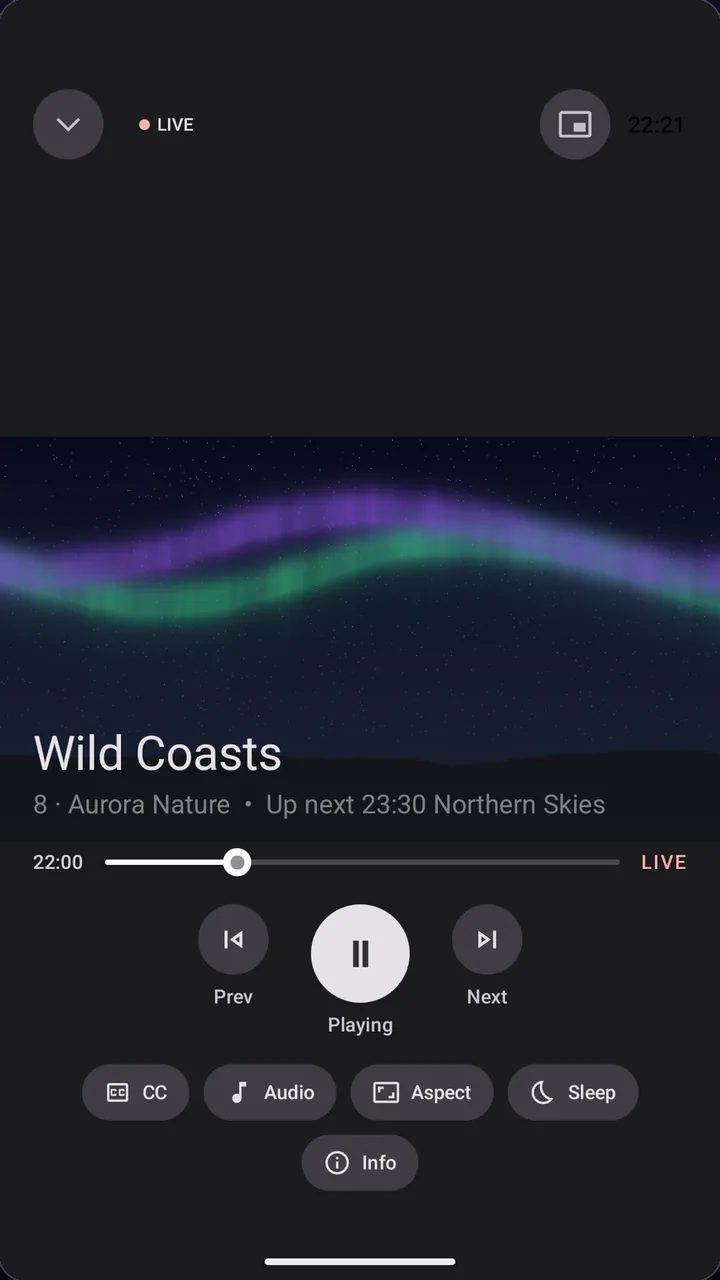
Audio tracks, subtitles, picture format, sleep timer and stream info are one press away. On TV, MaggieTV can match the frame rate of films for smooth motion.
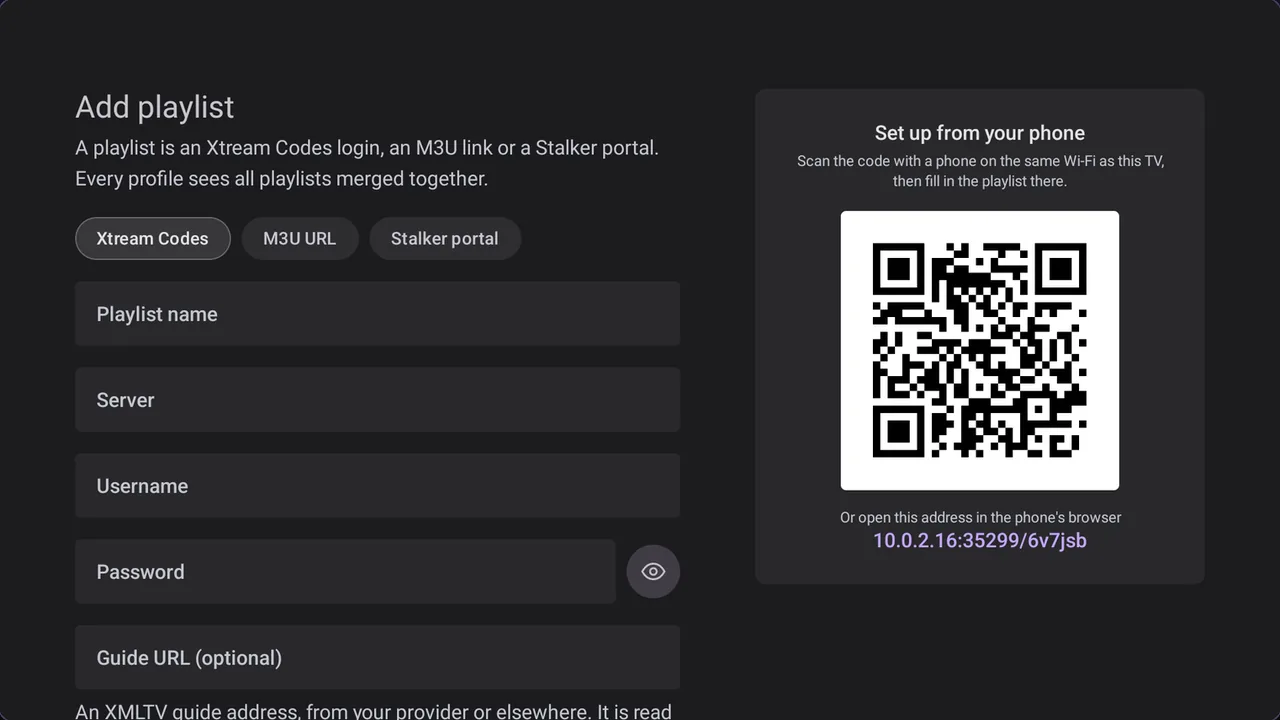
Set up from your phone
No typing with the remote: scan the QR code on your TV, enter your playlist on your phone, and it appears on the TV.
Your playlist on your TV in a minute
MaggieTV is free on Google Play for Android TV, phones and tablets. No account, no ads, no tracking.
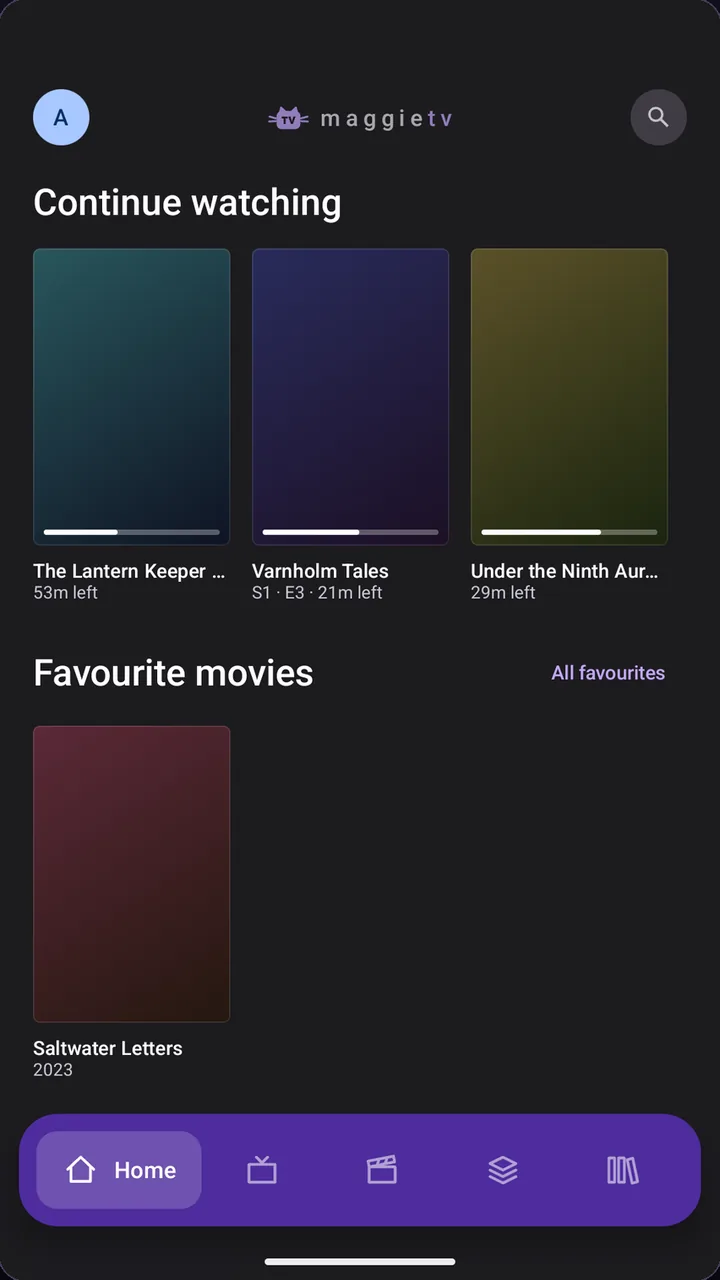
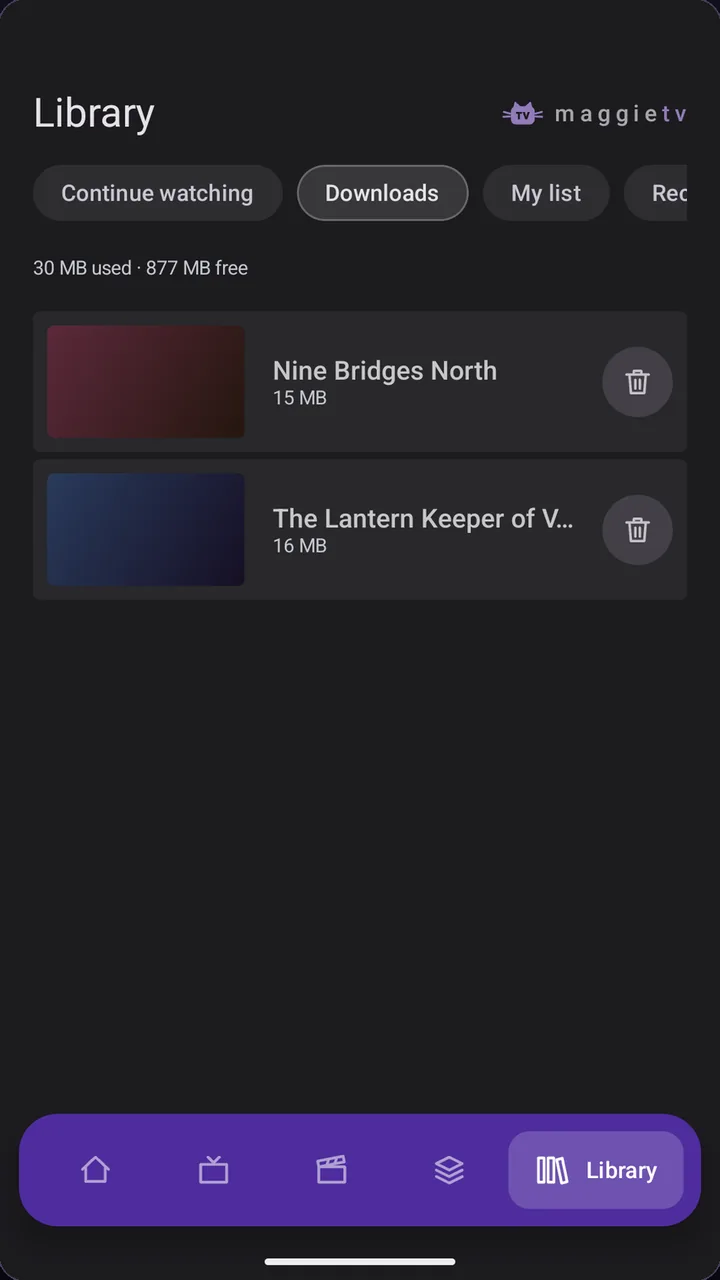
Looks right on every screen.
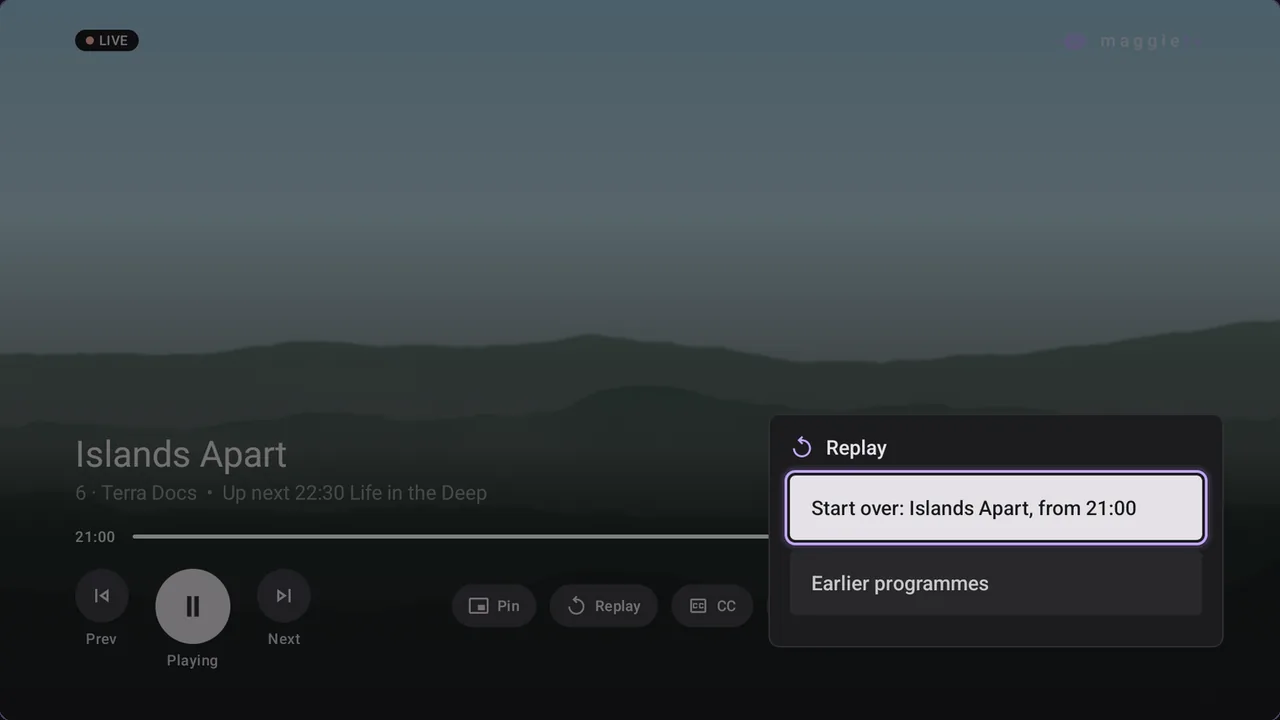
The same app on your TV, your phone and your tablet, with a Retro skin when you feel like it. Screens show a fictional demo catalogue.
Free to watch. Premium, once.
Everything you need to watch your playlist is free. Premium is a single in-app purchase on Google Play: no subscription, no renewal.
Free
CHF 0
All you need to watch the playlist from your provider, free for good.
- Live TV with the full programme guide and live preview
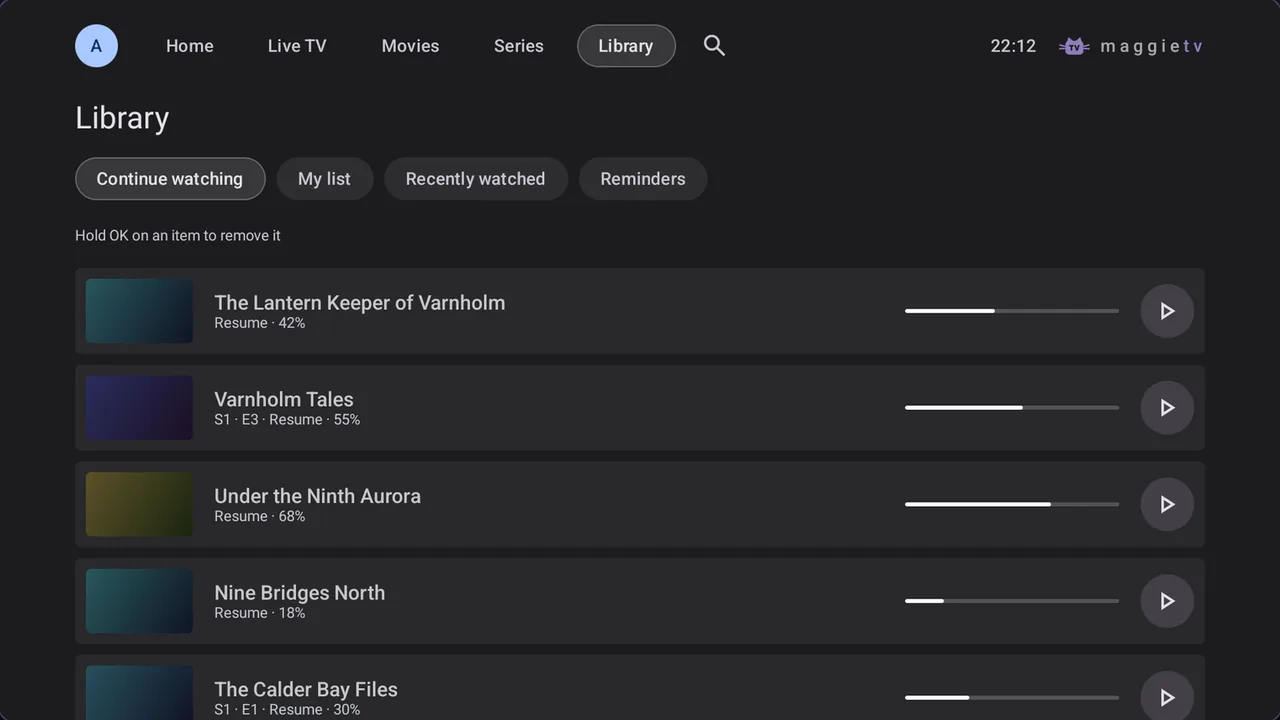
- Your provider's films and series, with resume and history
- Favourites, search and channel numbers
- Audio and subtitle languages, subtitle size and style
- Sleep timer, stream info and frame rate matching on TV
- Set up your TV from your phone
- Parental PIN and hidden folders
- One playlist and one profile
Premium
CHF 12 one payment
For the whole household and the film fans. Buy it once, keep it on every device of your Google account.
- Everything in Free
- Unlimited playlists and profiles
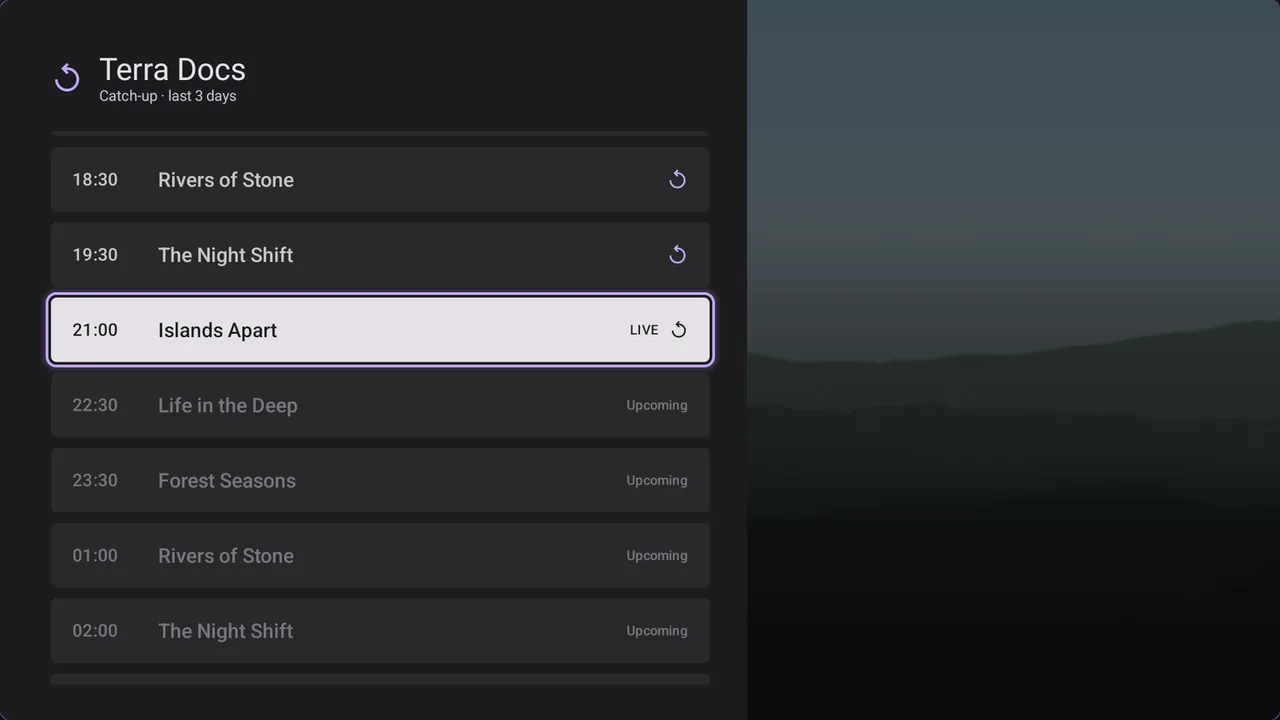
- Catch-up and Start over
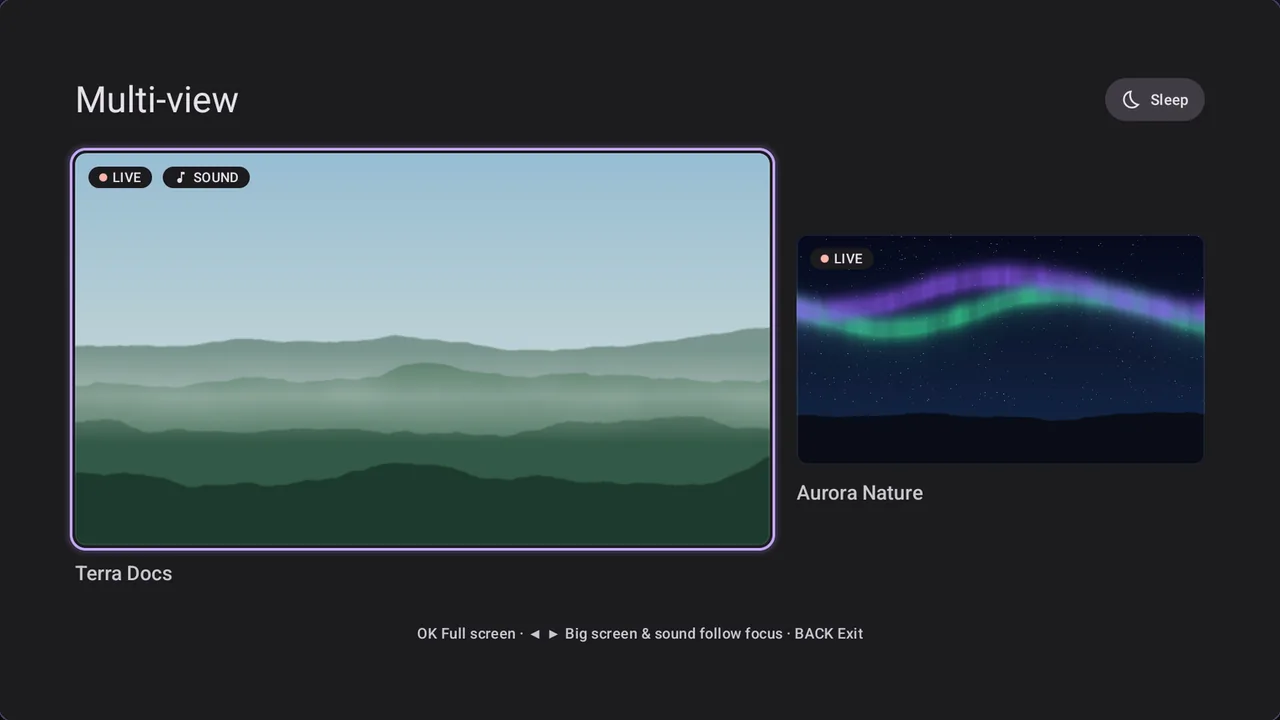
- Multi-view, programme reminders and guide search
- Subtitles from OpenSubtitles, even on live TV
- Kids profiles with a daily viewing time
- Downloads and picture-in-picture on phones and tablets
- Backup and transfer to a new device
- Retro and Chrono skins, your colours and your channel order
Price for Switzerland, Google Play shows it in your own currency. MaggieTV does not provide, sell or include any channels, films, series or playlists. You bring a playlist from your own provider and you are responsible for having the right to watch its content.
Frequently asked questions
If you have anything else you want to ask, reach out to us.
-
Does MaggieTV come with channels?
No. MaggieTV is a player only: it does not provide, sell or include any channels, films, series or playlists. You add a playlist from your own provider, and you are responsible for having the right to watch its content.
Which playlists does it play?
An Xtream Codes login, an M3U link or a Stalker portal. You can also give any playlist a guide (XMLTV) address of your choice.
Which devices does it run on?
Android TV and Google TV, on TVs, boxes and sticks such as the NVIDIA SHIELD, and Android phones and tablets from Android 7.0.
-
Is Premium a subscription?
No. Premium is a one-time purchase on Google Play. Buy it once, on your TV or on your phone, and it unlocks on every device signed in to the same Google account.
Do I need an account?
No account, no tracking and no ads. Your playlists, favourites and history stay on your device, and a backup goes only where you save it.
How do I type my playlist with a remote?
You don't have to. The TV shows a QR code: scan it with your phone on the same Wi-Fi and type your playlist on the phone.
-
How do subtitles work on live TV?
With Premium, when a film plays on a live channel, MaggieTV looks for its subtitles on OpenSubtitles and syncs them to the broadcast by analysing the sound on your device, in about three minutes. It works on channels that show films without ad breaks.
Can I move my setup to a new device?
Yes, with Premium. Back up your playlists, profiles, favourites and settings to a file, then restore it on the new device.
Is there a profile for children?
Premium kids profiles show only the folders you allow, are locked with a PIN and can have a daily viewing time. In the free version, the parental PIN can hide any folder.